0 file(s) ready
0 zip file(s) ready to download
Zip Each File Individually
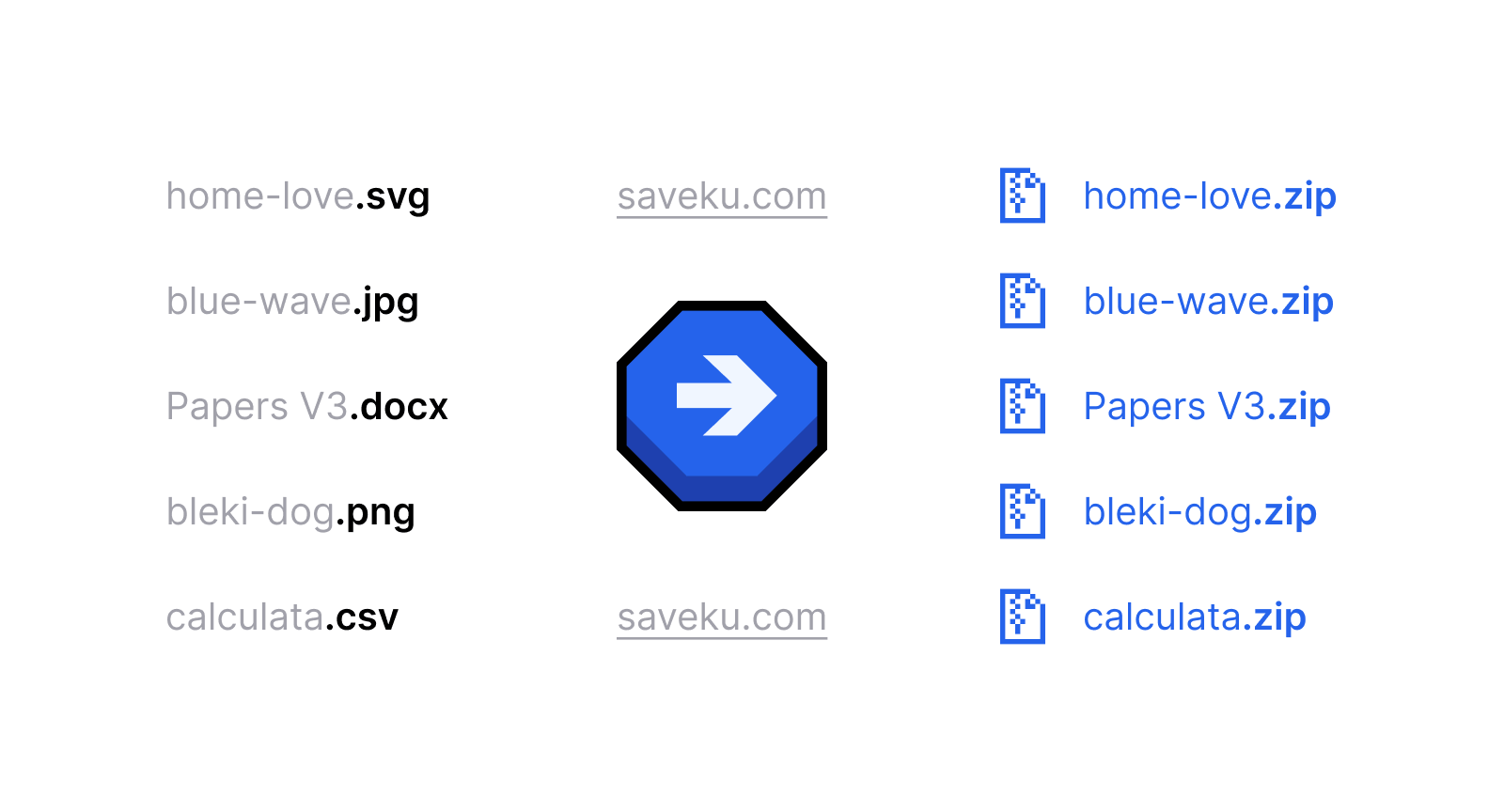
Saveku lets you zip each file individually instead of bundling everything into one archive. Some platforms only accept a single zip per upload, and combining files into one zip does not work in those cases. Splitting files into separate zip archives also makes it easier to send individual files to different people, or keep uploads organized when archiving multiple files separately.
How to Zip Multiple Files Separately
- Drop your files (work on any part of the screen), click to browse, or paste from your clipboard
- Saveku zipped each file into its own individual zip
- Check the "Merge same name" to combine files with the same name from the same or different folders into one zip

- Download each zip one by one, or download all zips at once
All compression happens in your browser. Files are never uploaded to a server. Saveku zip process works offline as a private, browser-based way to batch zip files individually.
Main Features

100% Private
Everything runs locally in your browser. Leave no trace, ever.

Zip Individually
Every file gets its own zip archive automatically. No bloated bundles.

Merge Same Name
Combine same-named files from same/different folders into one zip.

Support Any Files
Drag & drop or copy paste any files/folders from clipboard.
Custom icon designs by Royyan Wijaya from Simple Glyphs - Get yours → [email protected].
FAQ
 Saveku - zip each file individually, right in your browser - 100% private.
Compressing files...